YOUR PROPERTY COLLECTION
Properties.
Create a tour. Set the scene. Let people look around.
Your first tour starts here.
Add your property details and 360° photos.
We’ll keep everything together, ready for your next edit.
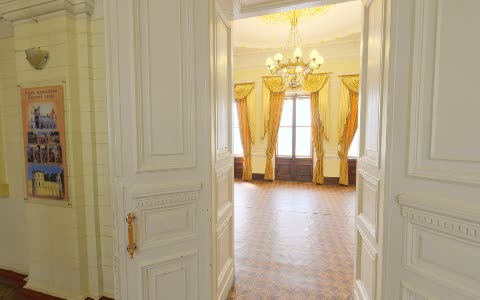
TRY IT WITH SAMPLE PHOTOS
Get a feel for the room.
Explore the editor with three sample panoramas.
Separate locations, clearly labelled as a demo.
New tour.
Not saved yet
Property details
This tour uses sample interiors from separate locations.
Rooms & opening views
0 / 12The first room opens the tour. Select a room to set its starting view.
LiDAR model
Add the GLB shared from VRDarc Capture, or upload it with your scan from the iPhone. Captured surfaces appear in a separate 3D view.
No LiDAR model yet.
Photographic 3D model
Add a reconstructed Gaussian PLY from Brush. This photographic view stays separate from your LiDAR model and measured floor plan. Saving keeps it private until you publish the property.
No photographic model yet.
Tour settings
These settings apply to this tour. Workspace defaults apply to new tours.
SET YOUR STARTING POINT
Workspace settings.
Your defaults for every new tour.
Branding & viewer defaults
Existing tours keep their own settings.
LOCAL STORAGE
On this device.
Tours and photos are saved in this browser at 127.0.0.1:8769. Use the same browser and address to find them again.
Clearing website data removes the local library. Export an editable backup of each tour before moving browsers or computers.
No photos are uploaded. This workspace is not an online account or a published website.
Open demo viewer ↗